🔹 Goal
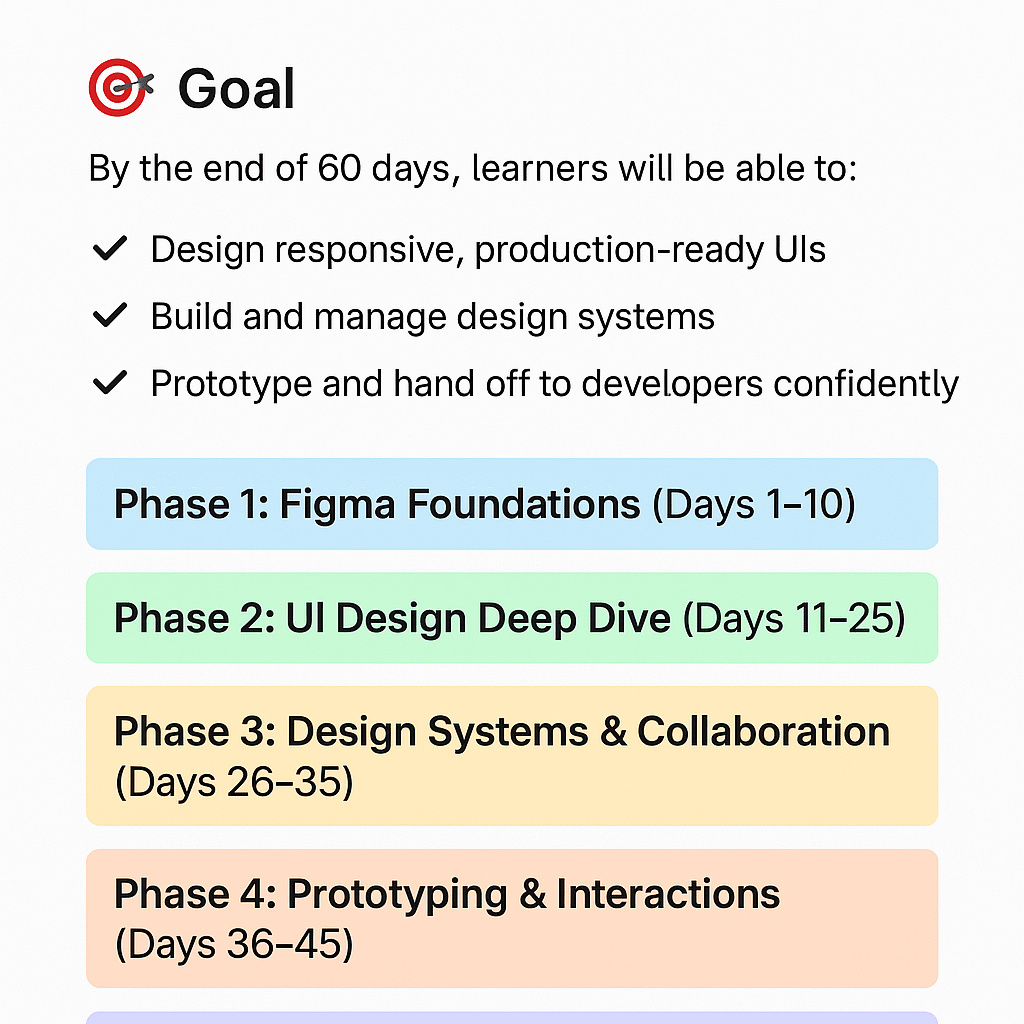
By the end of 60 days, learners will be able to:
- Design responsive, production-ready UIs
- Build and manage design systems
- Prototype and hand off to developers confidently
- Create a polished portfolio project in Figma
Phase 1: Figma Foundations (Days 1–10)
Objective: Build comfort with the interface, tools, and workflow.
Days 1–3: Introduction & Interface
- Overview of Figma vs. competitors
- Navigating the workspace, layers, and pages
- Working with frames, shapes, and text
- Basic shortcuts and setup
Days 4–6: Essential Tools
- Alignment, constraints, and grids
- Colors, typography, spacing basics
- Using components and variants
Days 7–10: Hands-On Mini Projects
- Design a mobile app login screen
- Create a simple landing page
- Group feedback & review
Phase 2: UI Design Deep Dive (Days 11–25)
Objective: Learn professional design practices and build real-world screens.
Days 11–13: Visual Design Principles
- Layout, hierarchy, contrast, and balance
- Color theory and accessibility
- Typography systems
Days 14–18: Responsive Design
- Frames and constraints for desktop/tablet/mobile
- Auto-layout deep dive
- Responsive components
Days 19–22: Components & Variants
- Buttons, forms, modals, and nav bars
- Component libraries and reusable assets
- Building a UI kit
Days 23–25: Midterm Project
- Redesign an existing app or website
- Peer review and critique
Phase 3: Design Systems & Collaboration (Days 26–35)
Objective: Work at a team and system level.
Days 26–28: Design Systems Basics
- Tokens, grids, spacing, color systems
- Naming conventions & organization
Days 29–31: Team Collaboration
- Comments, sharing, and version control
- Branching and merging workflows
- Dev handoff with Figma Inspect
Days 32–35: Building a Mini Design System
- Create and document a small-scale design system
Phase 4: Prototyping & Interactions (Days 36–45)
Objective: Bring designs to life and simulate real user flows.
Days 36–38: Prototype Basics
- Frame linking, overlays, and transitions
- Scrolling areas and fixed elements
Days 39–41: Advanced Prototyping
- Smart animate
- Micro-interactions
- Interactive components
Days 42–45: Usability Testing
- Build and test an interactive prototype
- Collect feedback and iterate
Phase 5: Real-World Project (Days 46–55)
Objective: Apply everything in a full end-to-end product design.
Days 46–48: Product Discovery
- Choose an idea (mobile or web app)
- Research competitors, define user flows
Days 49–52: Design Execution
- Create wireframes → UI screens → prototype
- Apply design system components
Days 53–55: Presentation Prep
- Walkthroughs, documentation, developer handoff
Phase 6: Portfolio & Career Prep (Days 56–60)
Objective: Package your skills and showcase your work.
Days 56–58: Portfolio Building
- Export and present case studies
- Document design decisions
Days 59–60: Career Coaching
- Building your design resume
- Freelance vs. full-time paths
- Mock interviews & feedback session
🧠 Course Add-ons
- Weekly challenges: small UI exercises (buttons, cards, dashboards)
- Community reviews: peer feedback every Sunday
- Resource library: color palettes, plugins, and best practices
- Final certificate: after completing the final project + portfolio